Power Apps
Multiple Makers Feature of Microsoft Power Apps
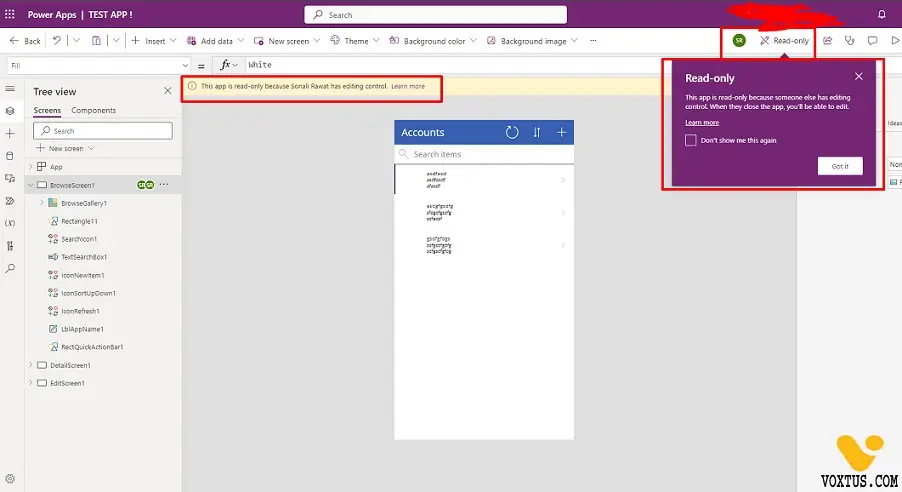
Here are some points by which multiple users can use the same app at a time. But here is a problem if one user is in edit mode then the other user will be in the view mode.
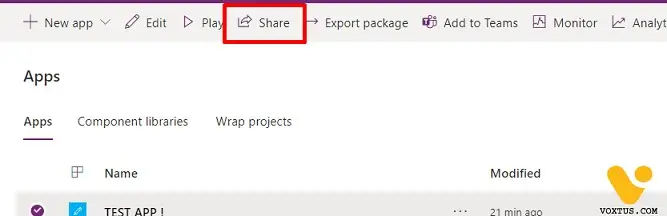
- First share your app with the user by clicking on the apps in the power apps home page and the click on the app and then click on share option.
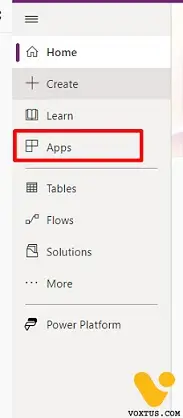
- Select the app.

- Click On Share.
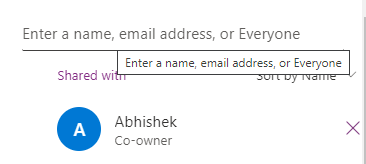
- After that enter the name of the user and give all the necessary permissions to the user.
- Enter the User Name with whom you want to share the app.
- After the in another window open the website make.powerapps.com and login with another user name.
- As you have shared the app with this new user you will see the app after login.
- Click on the app and if user 1 have opened the app after that if second user will open the app the second users app will open in the view mode And user 1 will be in edit mode.
- Like in this screenshot Abhishek is In view mode and can only view the application.
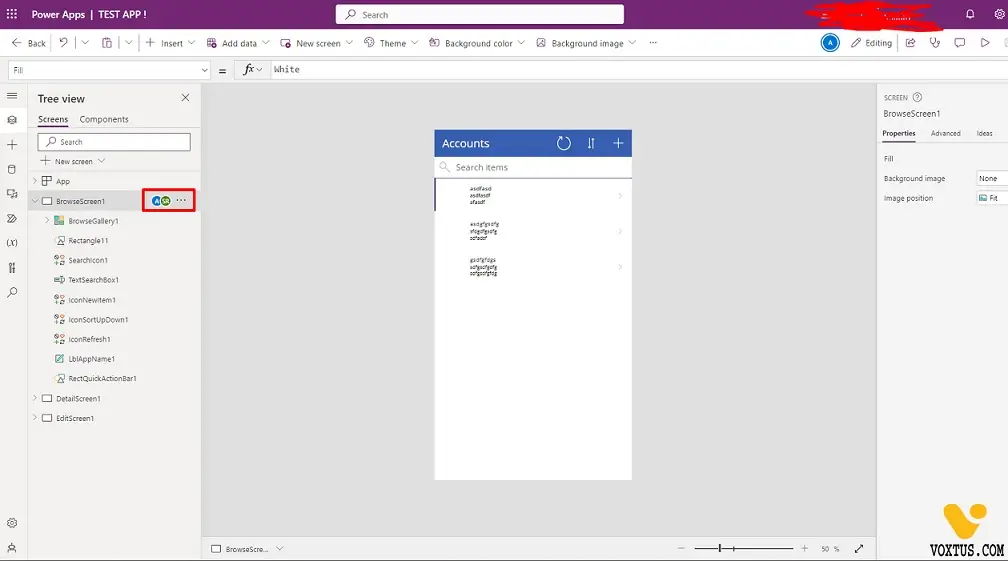
- And Sonali is Edit mode and can do all type of changes.